 Doc Summary

To start a background check for a candidate, follow these steps:
1.Go to Candidates: On the left-hand menu, locate and click on the “Candidates” icon (it’s typically below the “Jobs” icon). This will display a list of all your candidates.
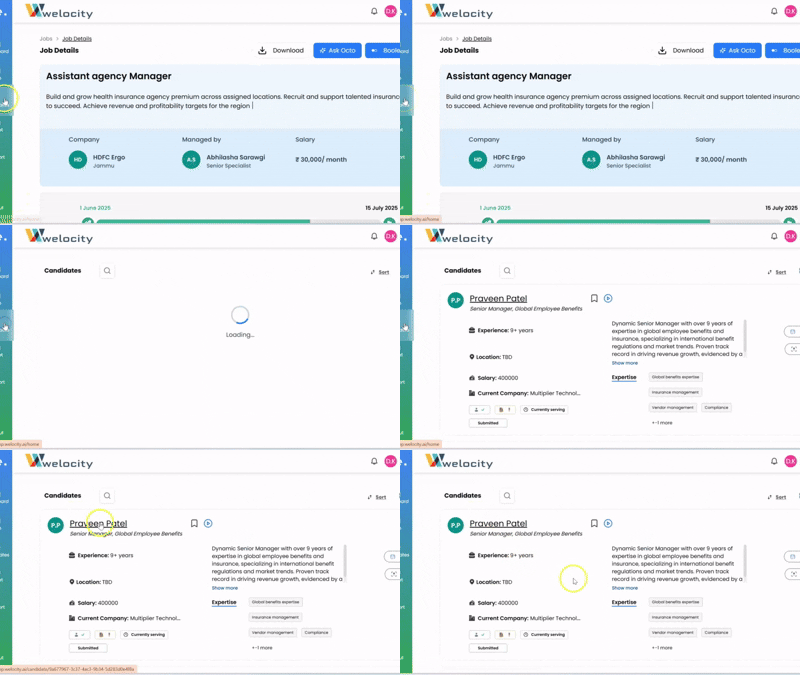
2.Select a Candidate: Click on the specific candidate for whom you wish to initiate a background check. This action will take you to their comprehensive profile.
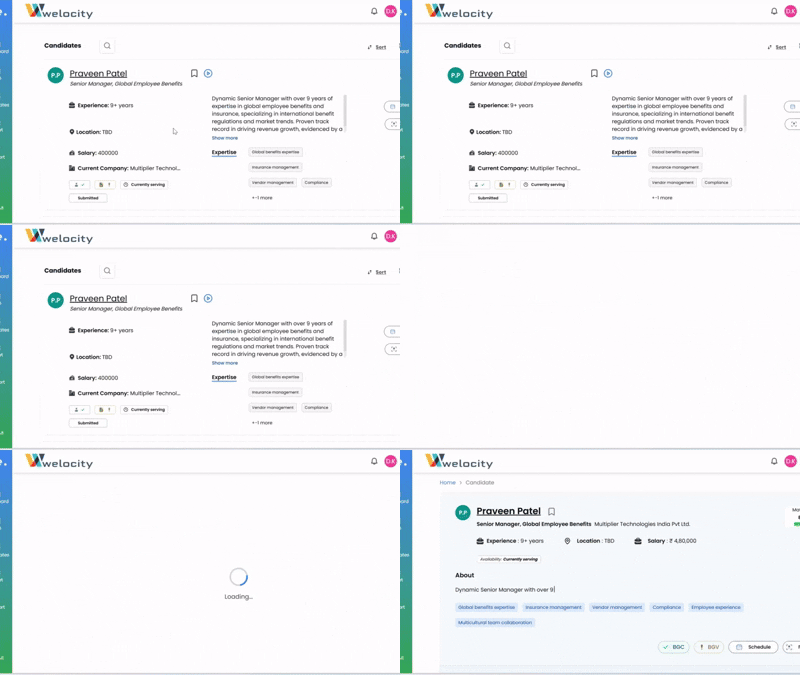
3.Locate BGC Option: On the candidate’s profile, you’ll first see their AI-generated summary. Below that, on the right-hand side, you’ll find the option for “BGC” (Background Check).
4.Initiate Background Check: Click on “BGC” to initiate the background check process.
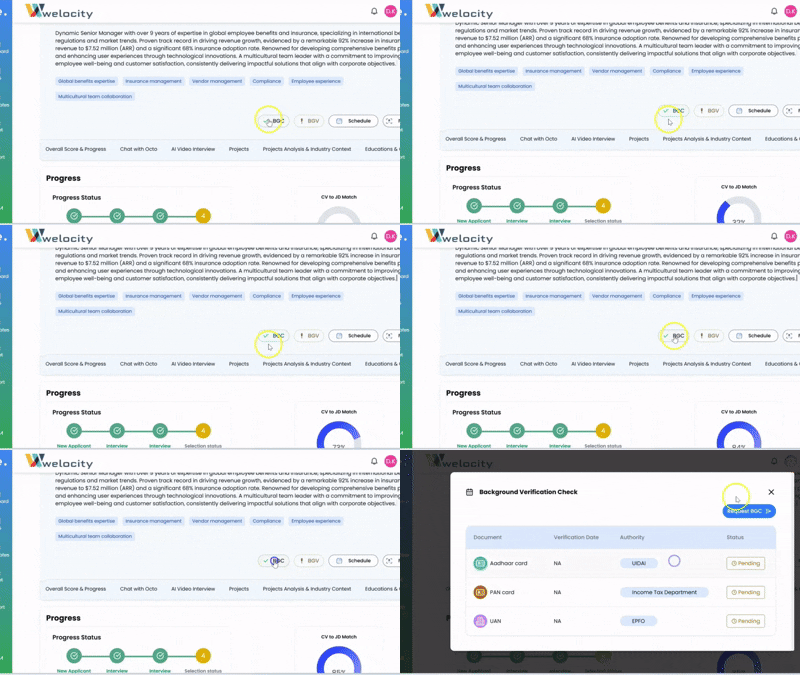
5.Candidate Notification: An email will automatically be sent to the candidate, prompting them to provide the necessary information to fulfill the background check requirements.
It’s a seamless process to ensure you have all the necessary information for a confident hire!


