Doc Summary

Here’s how to use Ask Octo to get instant insights on your candidates:
- Go to the Candidate’s Profile: Navigate to the profile of the candidate you want to learn more about.
- Find the Magic Button: On the right side of the candidate’s profile, you’ll see the “Ask Octo” button. Give it a click!
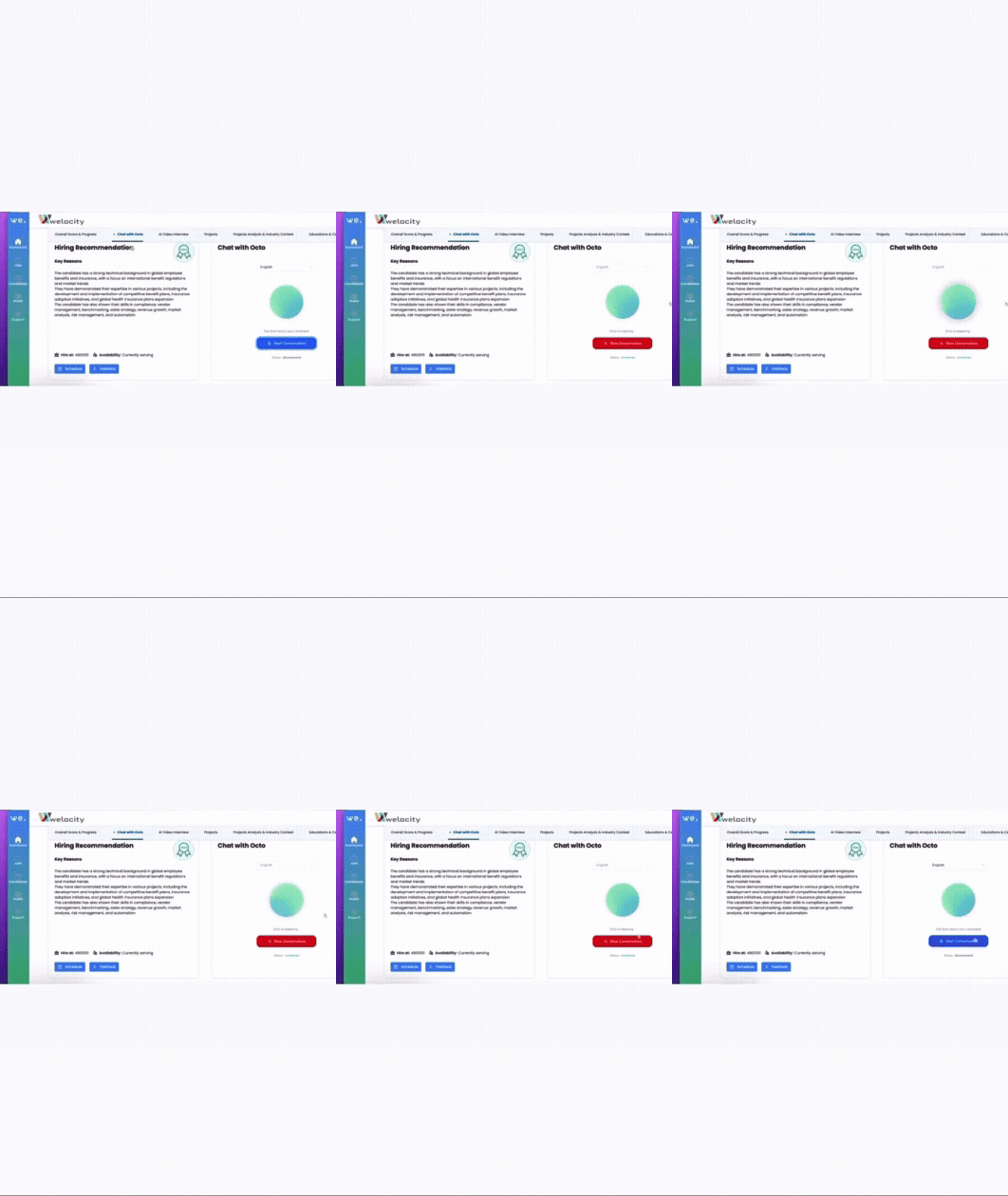
- Start Your Conversation: A new window will pop up. Click on “Start Conversation” to begin interacting with Octo. You’ll also need to enable your browser’s microphone to allow Octo to access it.
- Ask Away! Now you can ask Octo anything about the candidate. For example, simply say or type: “Why is Neha a good match for this role?”
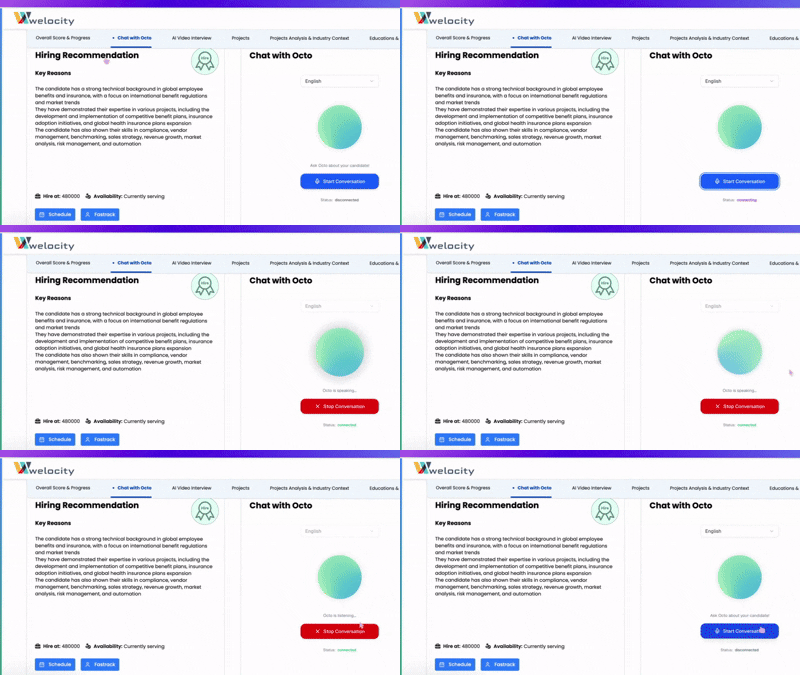
- Get Your Answer: Octo will process your query and provide you with relevant information and insights.
- End the Conversation: Once you’ve got all your answers, just click on “Stop Conversation” to close the chat.
It’s that easy to make your recruitment process more efficient with Octo!