 Doc Summary

Steps to Create and Assign a Job #
- From your Dashboard, click on the “Add New JD” button. This will open the job creation form.
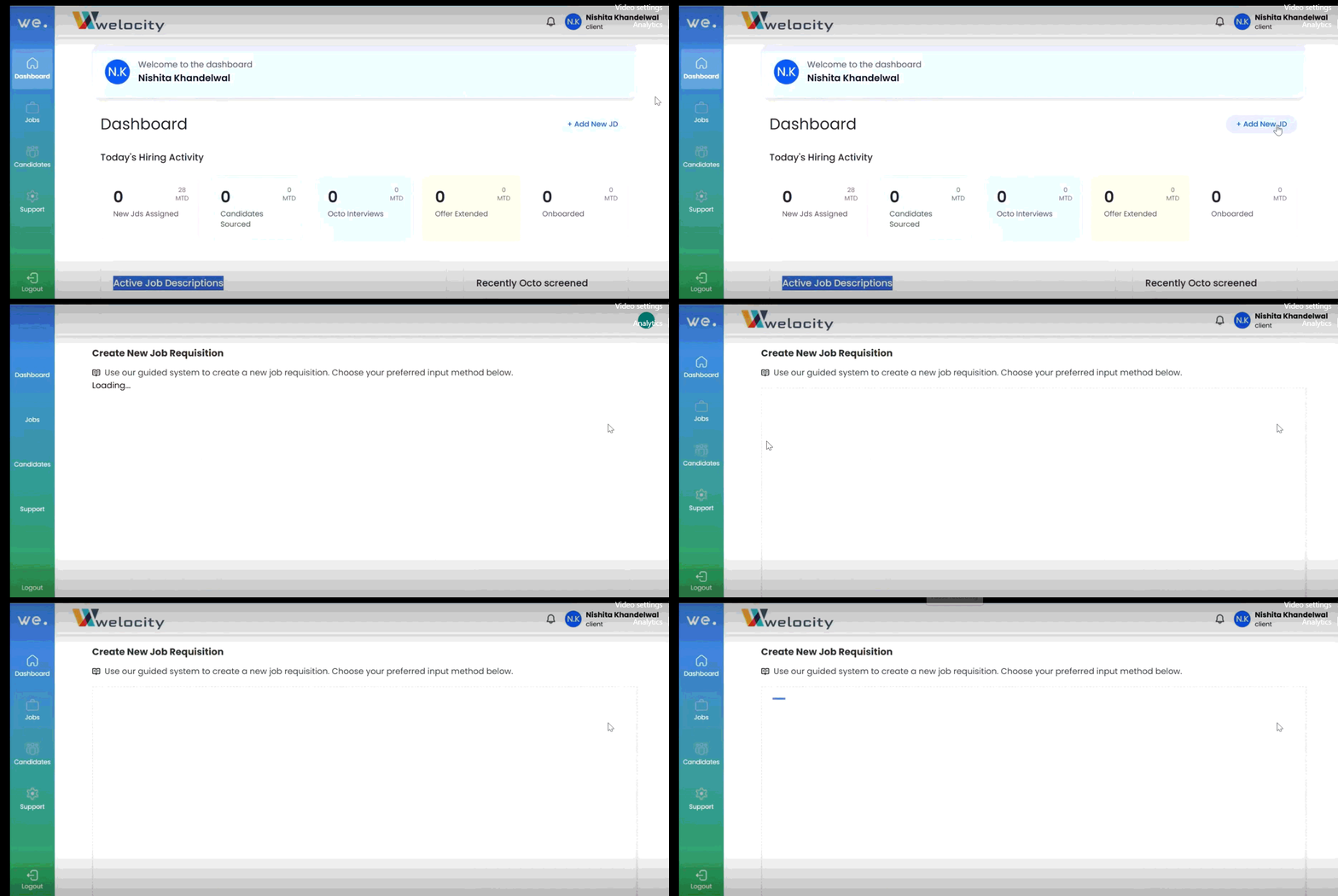
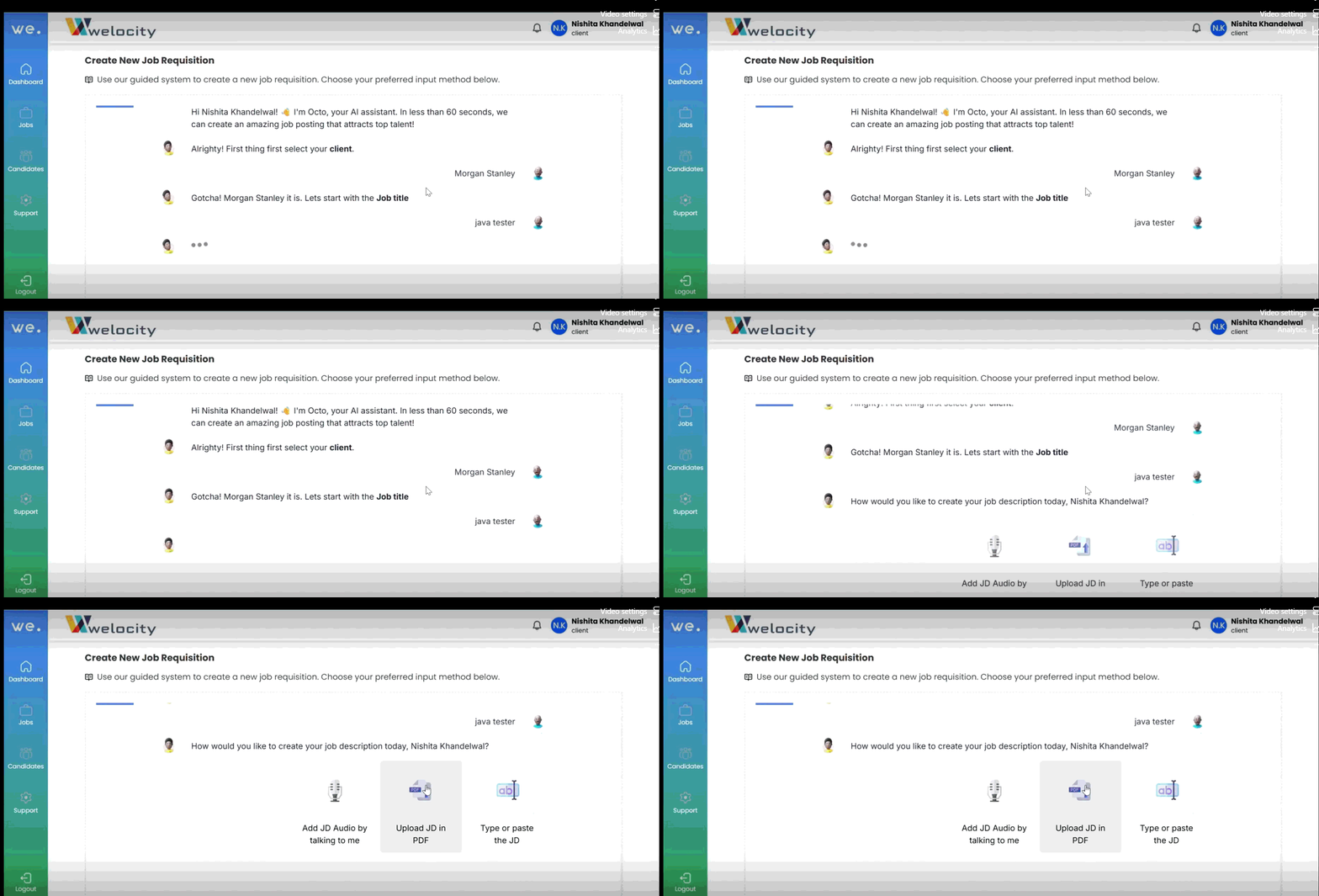
2. Fill in all the necessary job details, including:
- Job Title
- Required Years of Experience
- Salary Range
- Any other relevant information
3. Once the job details are entered, scroll down to the “Hiring Manager” section.
4. Select a hiring manager from the available list. Choose the person you want to assign the job to.
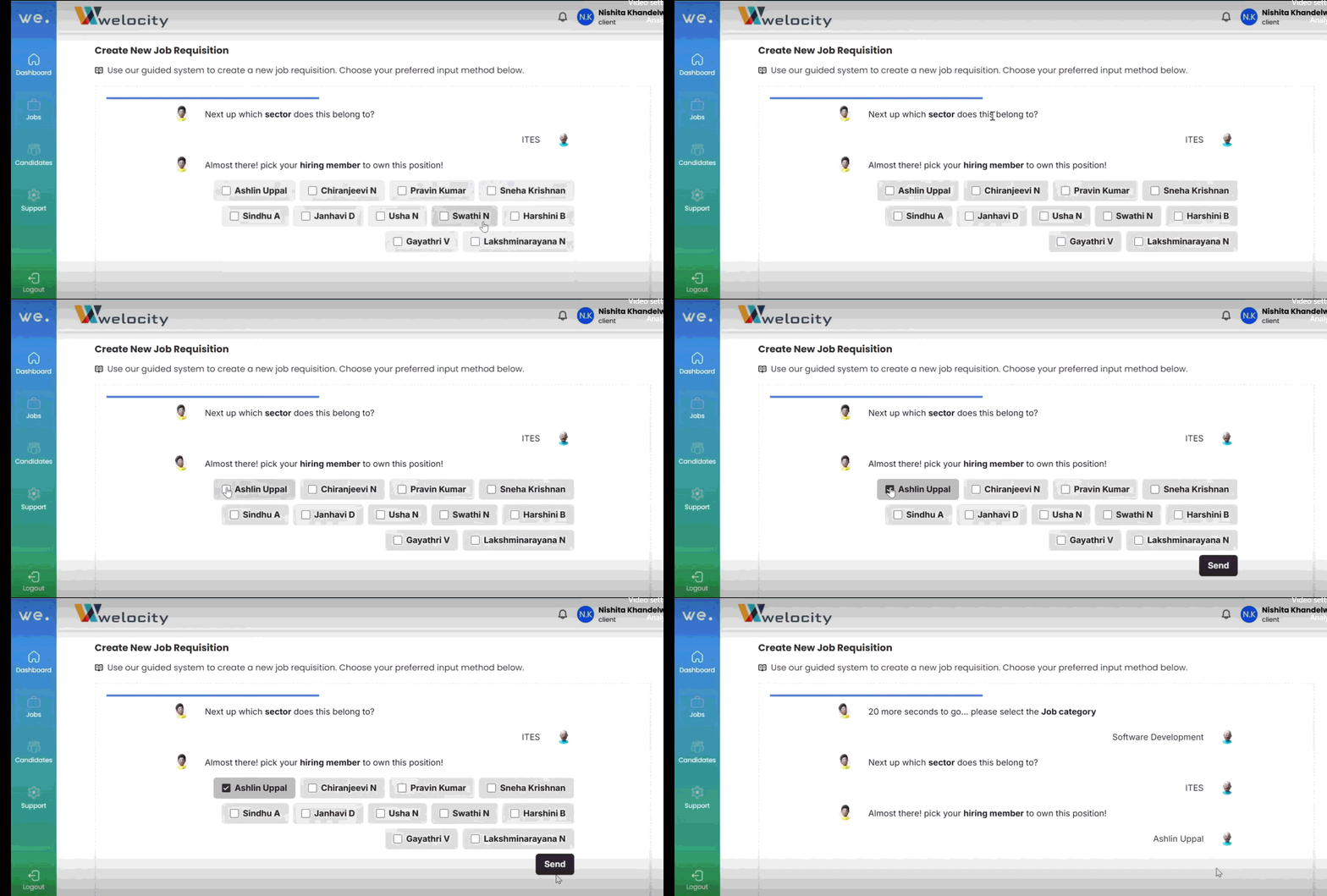
That’s it — the job is now successfully created and assigned to the hiring manager you selected.
Note: #
- Only users with the appropriate role permissions will appear in the list of hiring managers.
- You can reassign a job later if needed by editing the job details.


