 Doc Summary

Here’s a quick guide on how to reach out to your candidates directly from the platform:
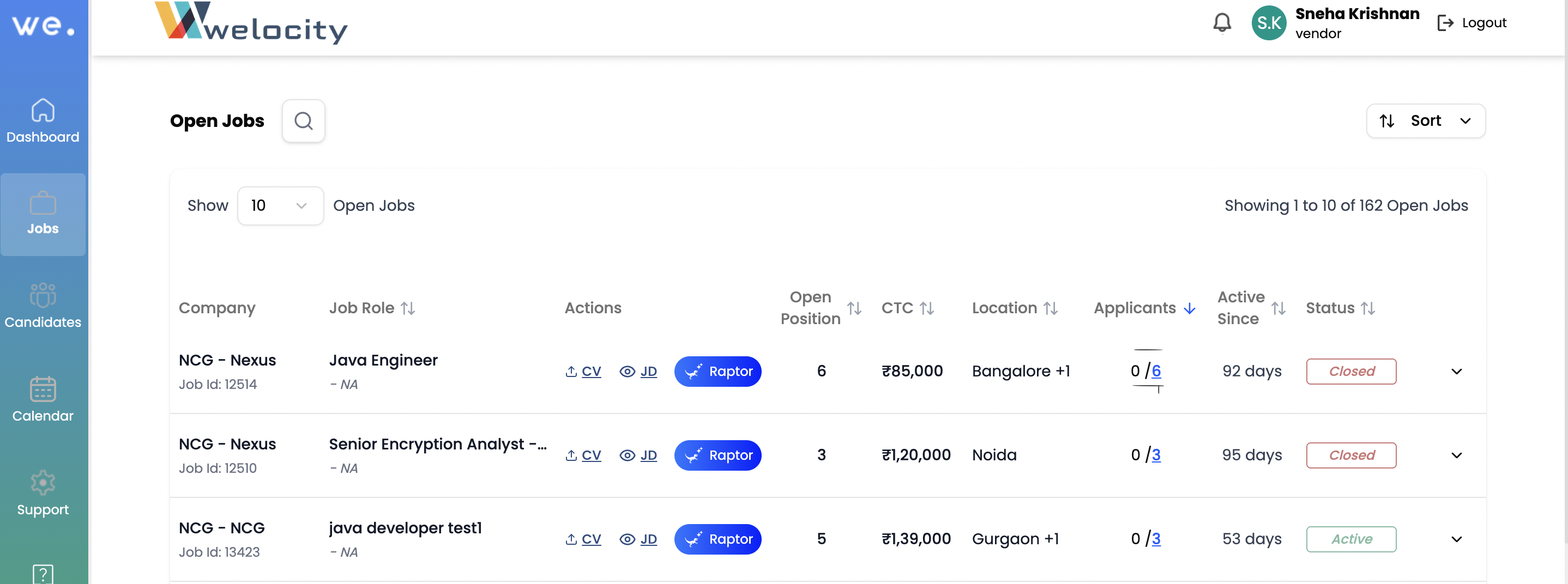
- Go to Open Jobs: On the left-hand side of your dashboard, click on the “Jobs” icon. This will take you to your Open Jobs page.
- Access Applicants: On the Open Jobs page, click on “Applicants.” This will open your My Candidates page.
3. Find Contact Information: Here, you’ll see your candidates’ WhatsApp and email contact details.
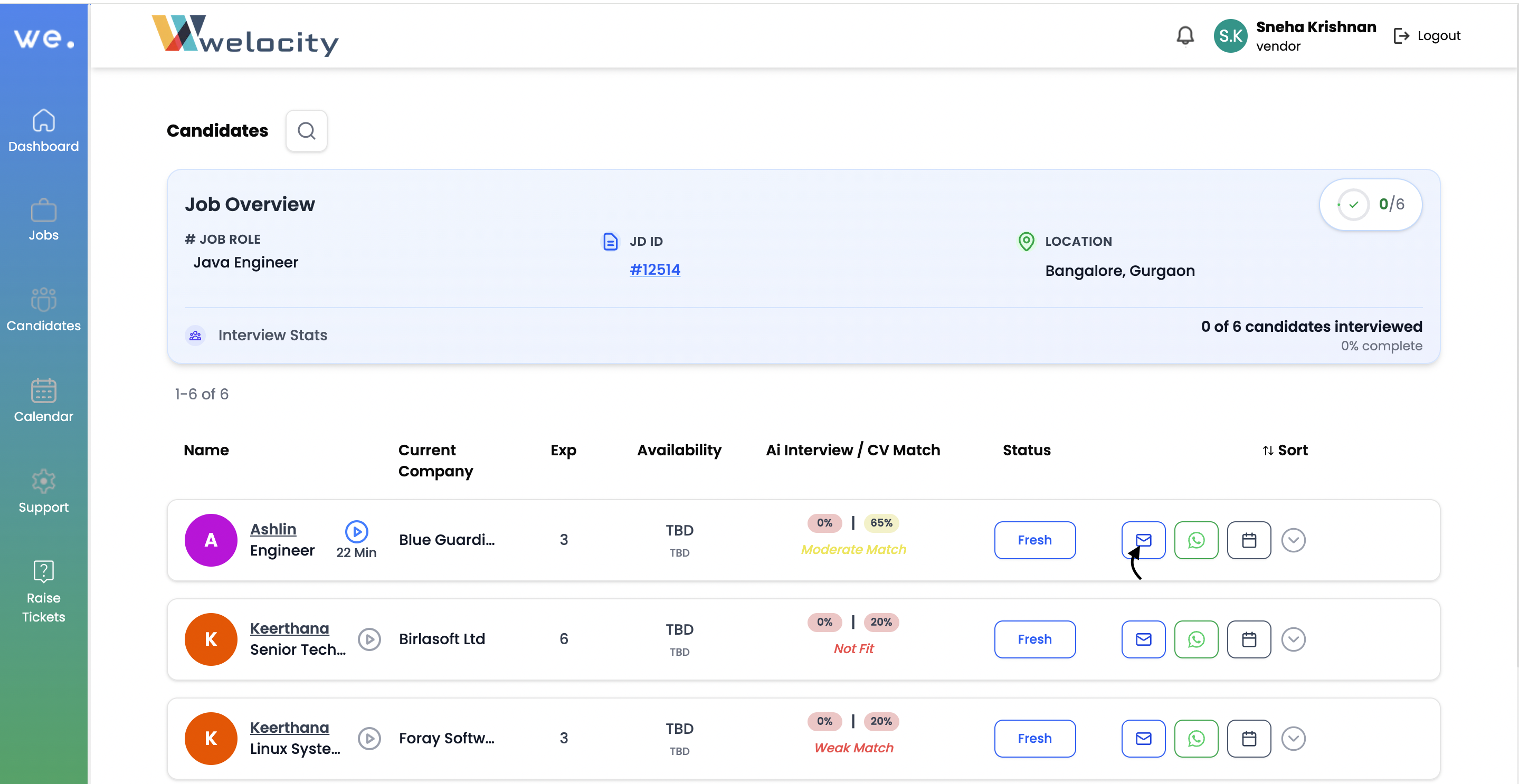
4.Initiate Contact: To reach out, simply click on their WhatsApp or email icon. For WhatsApp, this will automatically open Web WhatsApp, allowing you to easily message the candidate to schedule an interview or for any other communication.
Need to know more about a candidate before reaching out? Just Ask Octo!


