Doc Summary

Prerequisites:
- An interview with the candidate has already been conducted by Octo’s AI assistant.
- You have access to the candidate’s profile.
Watching and Evaluating Octo AI Video Interviews #
Prerequisites:
- An interview with the candidate has already been conducted by Octo’s AI assistant.
- You have access to the candidate’s profile.
Here’s how to watch and evaluate an interview conducted by Octo’s AI assistant:
1.Go to Candidates: On the left-hand menu, click on the “Candidates” icon (located below the “Jobs” icon).
2.Select the Candidate: From the list, choose the candidate whose interview you wish to watch. This will take you to their detailed profile.
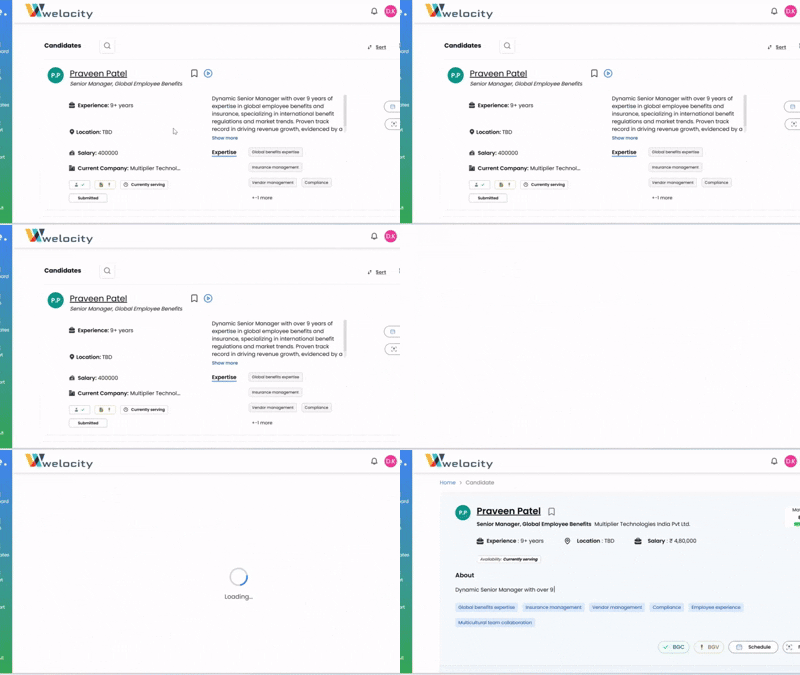
3.Locate AI Video Interview: On the candidate’s profile, you’ll see their summary, skills, and matching score. Scroll down, and you will find a section for “AI Video Interview.”
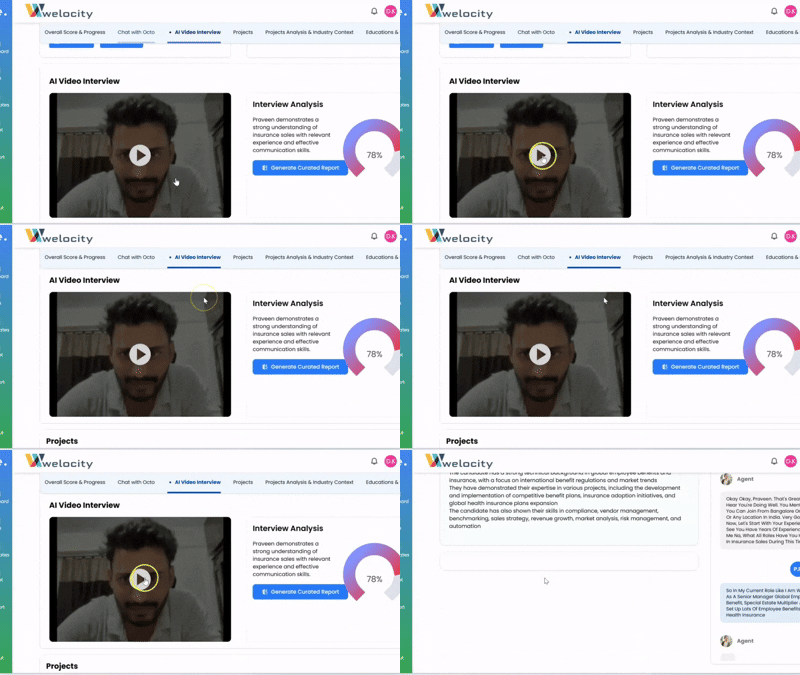
4.Play the Interview: Click on the interview to begin playback.
5.Review the Interview:
- You can watch the full video to observe the candidate’s responses and demeanor.
- Alternatively, you can read the transcript on the right side of the video player for a quick review of their spoken answers.
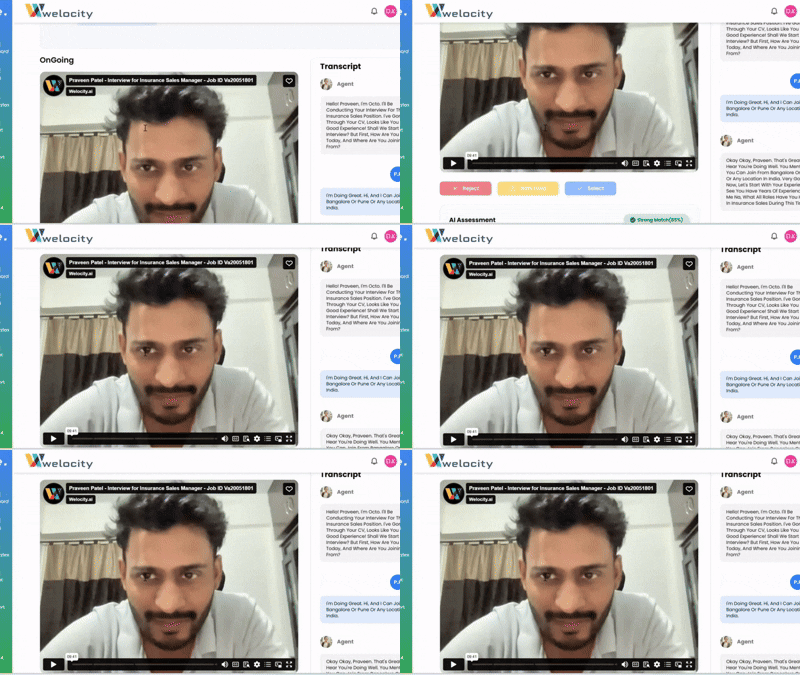
6.Evaluate and Provide Feedback: Below the interview player, you’ll find options to evaluate the candidate:
- Select: If you believe the candidate is a good fit.
- Reject: If the candidate is not suitable for the role.
- Hold: If you wish to put the candidate’s application on hold for further consideration.
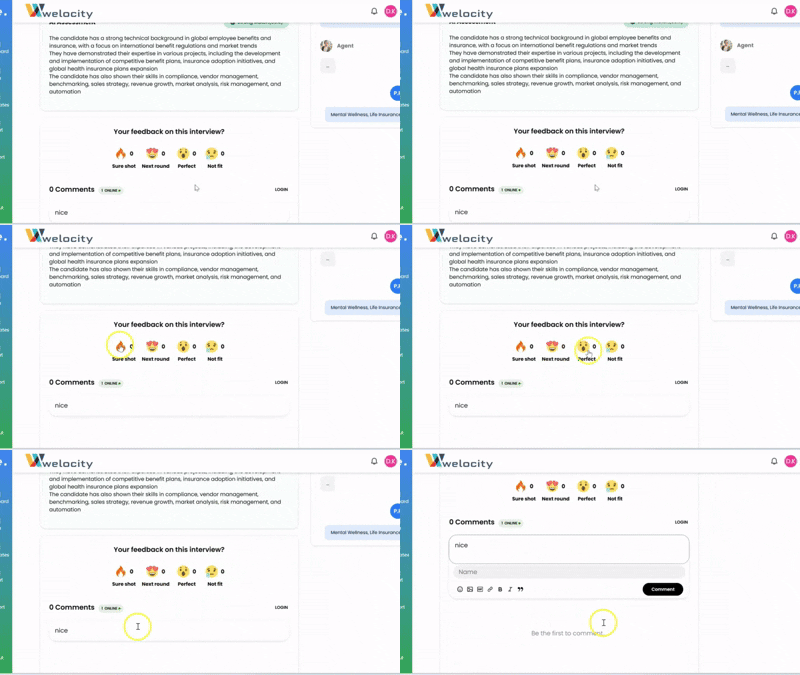
- You can also leave detailed feedback for the candidate or express your reactions using our different cool emojis to convey your impression!