 Doc Summary

Adding jobs on Welocity.ai is streamlined through our AI-powered job creation system. This guide will walk you through the process of creating professional job postings that attract quality candidates and kickstart your recruitment journey.
Prerequisites #
Before adding jobs, ensure you have:
- An active Welocity.ai vendor admin/recruiter admin or Client account, regular recruiter user access will not be able to add jobs.
- Job requirements and specifications ready
- Access to job description documents (if uploading)
- Clear understanding of the role you’re hiring for
Step-by-Step Job Creation Process
#
Step 1: Navigate to Jobs Section #
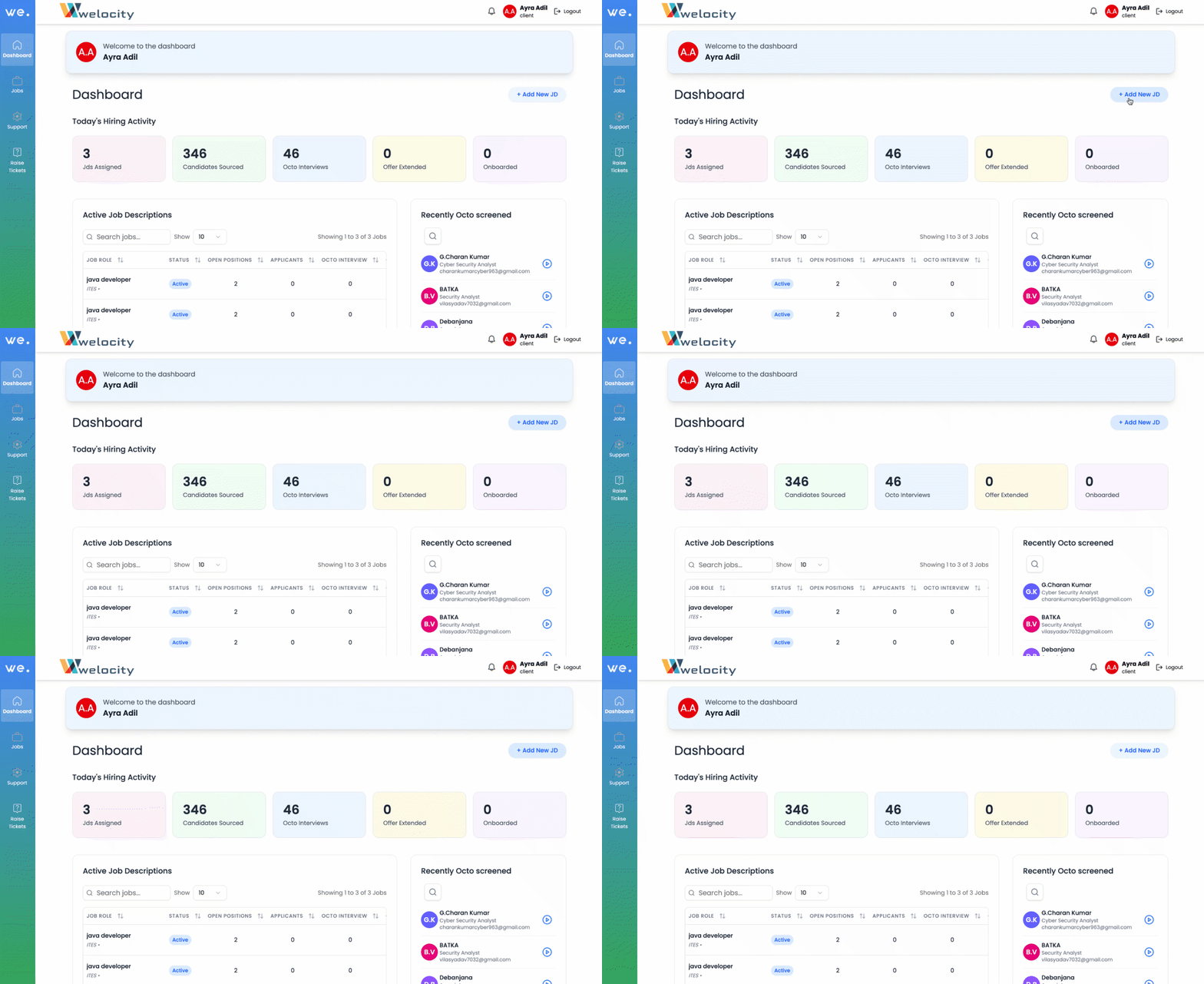
- Log into your Welocity.ai dashboard
Step 2: Initiate Job Creation #
- Click on the “Add Jobs” button
- You’ll be redirected to the job requisition page: https://app.welocity.ai/requisition
- The AI-powered job creation wizard will begin
Step 3: Complete Basic Job Information #
Follow the interactive bot instruction to provide essential details :
Required Information:
- Job Title: Enter the specific position title (e.g., “Senior Software Engineer,” “Marketing Manager”)
- Location: Specify work location (remote, hybrid, or specific city/office)
- Employment Type: Full-time, part-time, contract, or temporary
- Experience Level: Entry-level, mid-level, senior, or executive
- Department: The team or department this role belongs to
- Reporting Structure: Who the position reports to
- Salary Range: Compensation details (if applicable)
Additional Details:
- Start date requirements
- Key qualifications overview
- Special requirements or preferences
Step 4: Create Job Description with AI #
App.Welocity.ai offers three flexible methods to create your job description:
Option 1: Upload PDF Document #
- Click on the “Upload PDF” option
- Select your existing job description document
- The AI will analyze and optimize the content
- Review the AI-enhanced version
Option 2: Type or Paste Content #
- Select the “Type/Paste” option
- Enter your job description directly into the text field
- Paste content from existing documents
- Let the AI refine and standardize the format
Option 3: AI-Powered Conversation (Recommended) #
- Choose the “Talk to AI” option
- Describe what you’re looking for in conversational language
- Share your requirements, expectations, and ideal candidate profile
- Let the AI ask clarifying questions to understand your needs
Step 5: AI Job Description Generation #
Once you provide your input through any method:
- AI Processing: The system analyzes your requirements
- Industry Standards: AI applies current industry best practices
- Candidate-Friendly Format: Creates clear, engaging descriptions
- Optimization: Ensures clarity and completeness
What the AI Creates:
- Professional job summary
- Detailed role responsibilities
- Required qualifications and skills
- Preferred qualifications
- Company culture information
- Clear application instructions
- Industry-standard formatting
Step 6: Review and Refine #
- Review Generated Content: Examine the AI-created job description
- Make Adjustments: Edit any sections that need customization
- Add Company-Specific Details: Include unique benefits or culture points
- Verify Accuracy: Ensure all technical requirements are correct
Step 7: Assign Recruiters #
- Recruiter Selection: Choose from your available recruitment team
- Assignment Options:
- Assign to specific recruiters
- Set up team assignments
- Configure automatic assignments based on expertise
- Notification Settings: Set up alerts for recruiter notifications
Step 8: Launch Your Job #
- Final Review: Double-check all information
- Publish Job: Click “Submit” or “Publish” to activate the posting
- Confirmation: Receive confirmation of successful job creation
The Journey Begins: Sourcing to Onboarding #
Let Welocity.ai’s AI technology transform your job descriptions into candidate magnets and streamline your entire recruitment process!


