 Doc Summary

To ensure a smooth upload process, please make sure your CVs are in one of the following supported formats: PDF, DOC/DOCX, or JPG.
Here’s how to upload CVs and let Octo work its magic:
1.Go to Your Job Postings: Click the “Jobs” icon located just below your dashboard icon on the left-hand menu. This will display a complete, up-to-date list of all your active job postings.
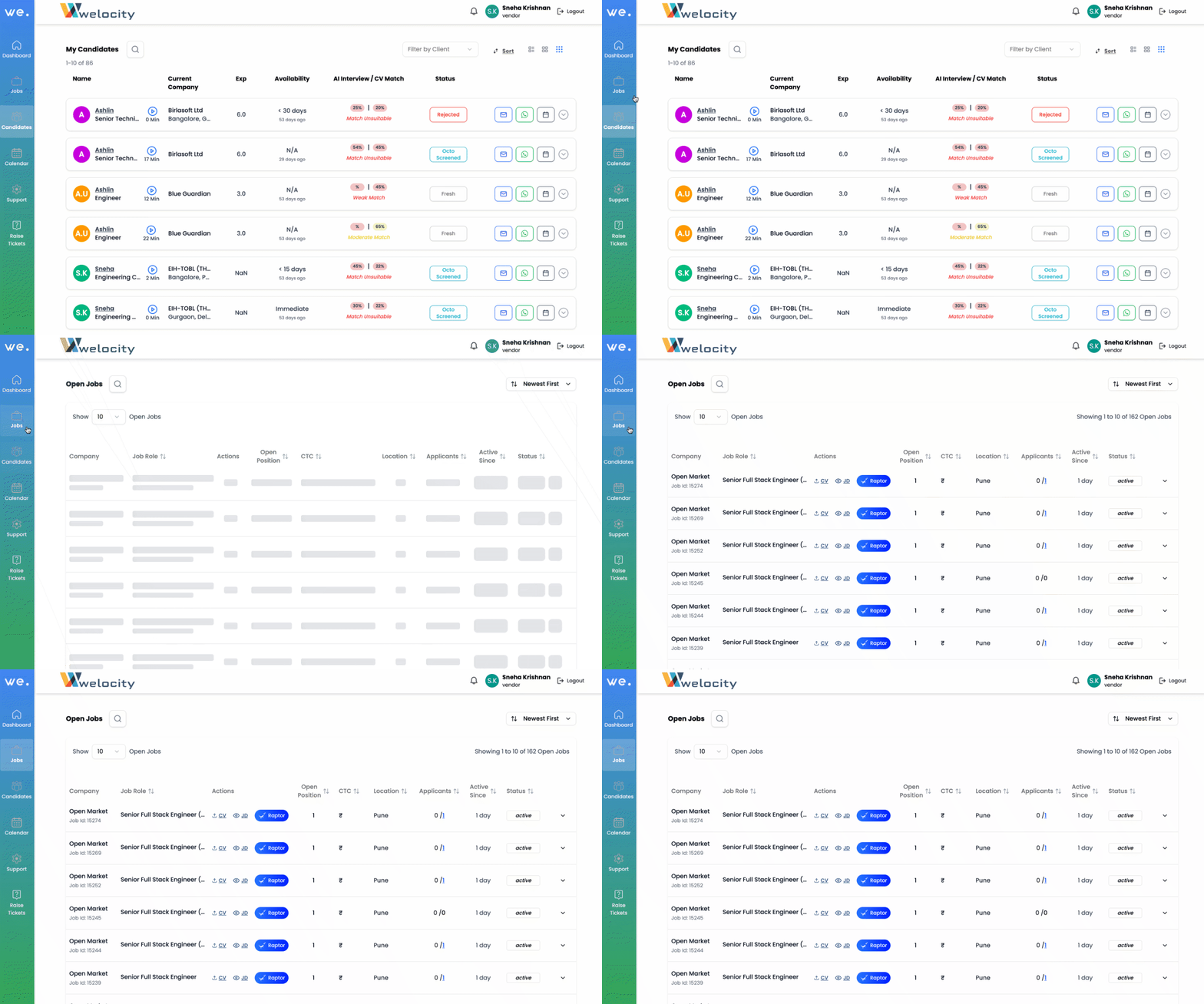
2.Select the Desired Job: Click on the specific job posting to which you want to add CVs.
3.Initiate CV Upload: Look for the “Upload CV” button and click on it.
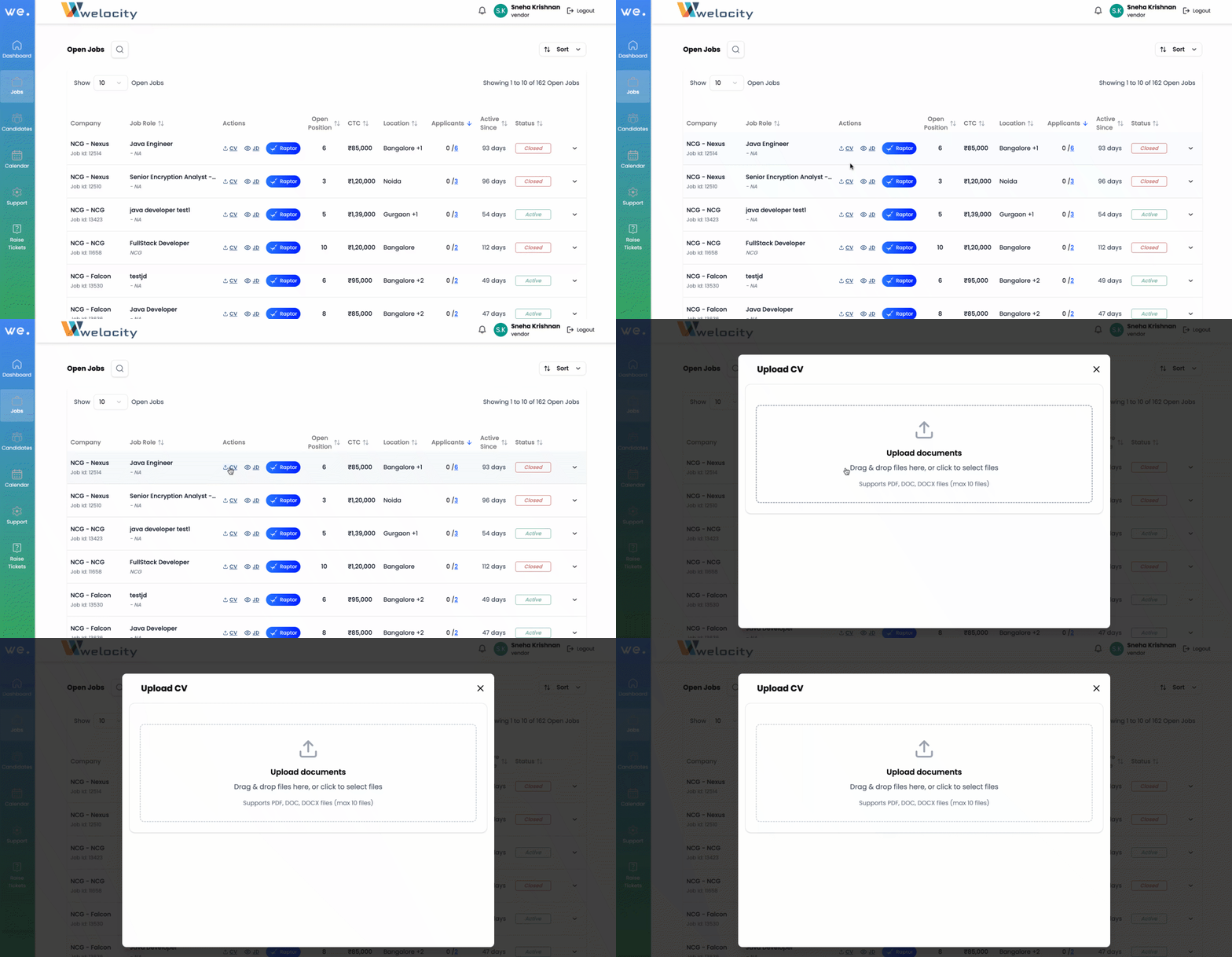
4.Upload Your CVs: You can either drag your file(s) directly into the upload area or click to browse and upload your document(s) from your desktop.
Octo’s Instant Analysis: Once a CV is uploaded, Octo instantly analyzes its content using AI and stores it in its database. It automatically compares the resume with the job description and generates a match score, helping you assess relevance in seconds!


