 Doc Summary

To raise a ticket, please follow these steps:
- Go to the Support Section:
- Click the Support icon on the left-hand side of the platform,
OR - Visit our support site: support.welocity.ai
- Click the Support icon on the left-hand side of the platform,
- Click “Raise a Ticket”:
- At the top of the support page, click on “Raise a Ticket.”
- You will be redirected to the ticket submission page.

3. Sign Up (if you haven’t already):
- You must sign up before submitting a ticket.When creating a password, please ensure it is at least 16 characters long and includes:
- Uppercase letters (A–Z)Lowercase letters (a–z)Numbers (0–9)Special characters (e.g., !, @, #, $, etc.)
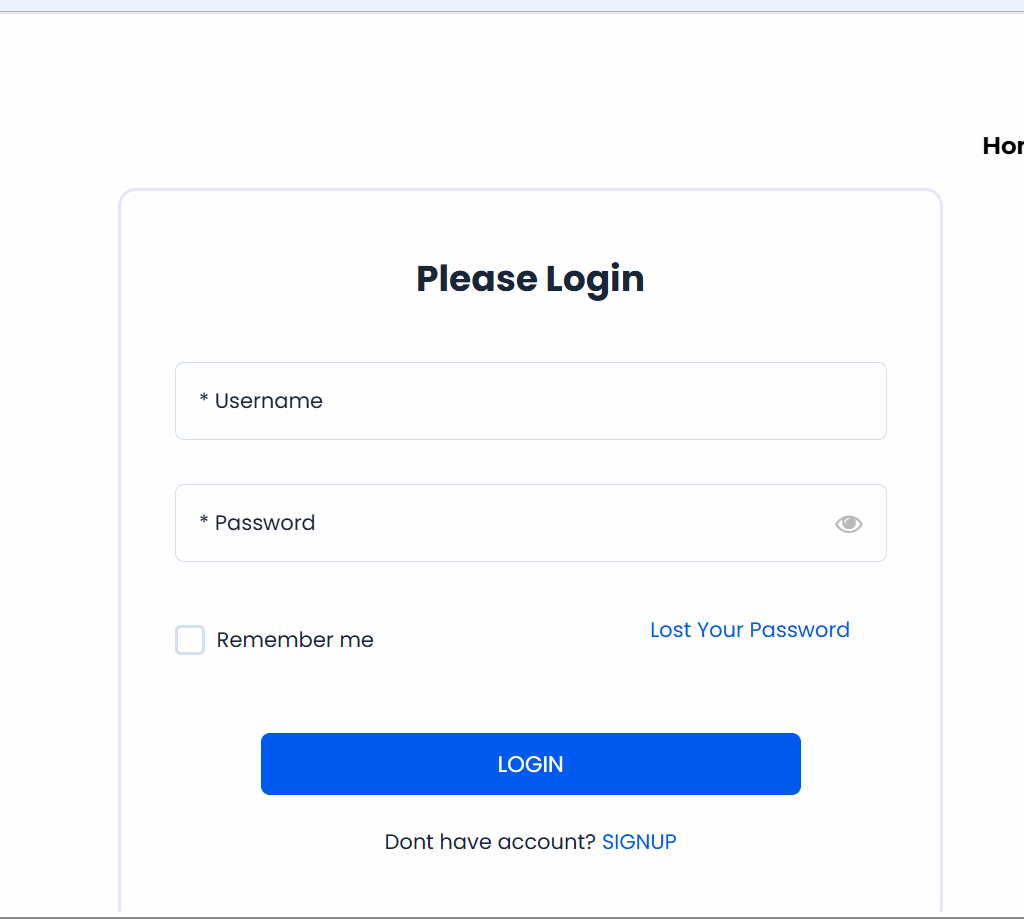
➤ A strong password is required for your account security.
4. Submit Your Ticket:
- Once signed in, click on “create a ticket” and fill out the required details and submit your support request.


